OnlyFans Lighting Setup: Make Cheap Gear Look Expensive
Aruna Talent Team
Creator economy experts · $10M+ annually total creator revenue
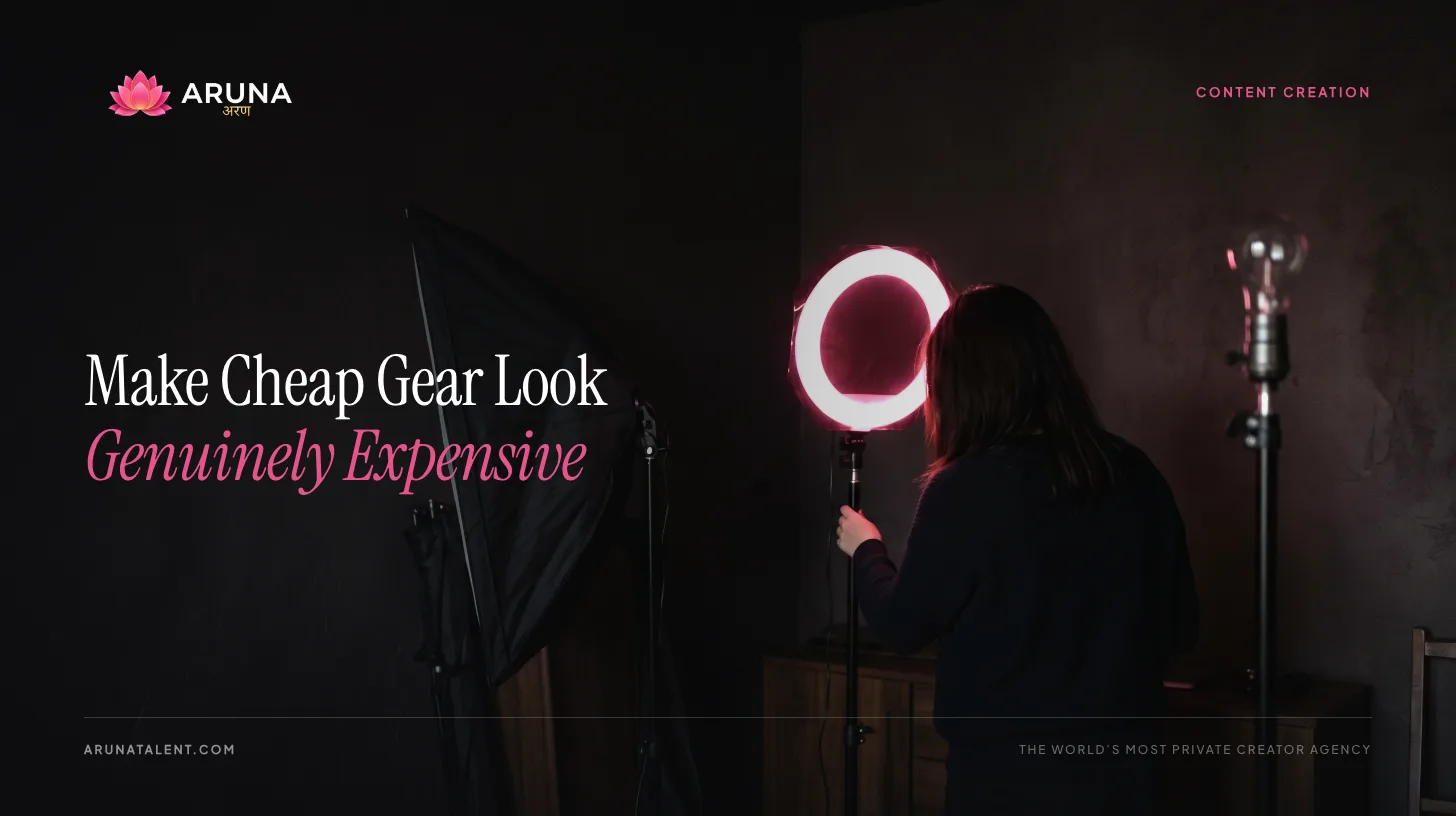
Your camera doesn’t determine how professional your content looks. Your lighting does.
A creator with a four-year-old iPhone and good lighting will consistently outperform someone with a $2,000 mirrorless camera shooting in bad light. Light is the raw material your content is made of. Camera quality only matters once the light is right.
The good news: lighting is learnable, cheap at the entry level, and the improvement from zero knowledge to basic competence is dramatic. This guide covers everything from free natural light setups to professional multi-light configurations, so you can build based on your current budget and scale as the income grows.
Why Lighting Beats Camera Quality Every Time
When you look at a photo, your brain interprets “professional” primarily through:
- Soft, even light on the subject: no harsh shadows, no blown-out highlights
- Separation between subject and background: the person stands out rather than blending into the wall
- Correct color: skin tones that look accurate and flattering, not orange, green, or washed out
A good camera improves resolution and dynamic range. Good lighting controls all three of the above. For content creation, lighting gives you more value per dollar than any camera upgrade until you’ve fully optimized your light.
The creators whose content looks expensive typically aren’t spending more on cameras. They’ve figured out their light.
Equipment Comparison: Ring Lights vs. Softboxes vs. LED Panels
Ring Lights
A ring light is a circular light source that mounts in front of your camera or phone. The light comes from all sides of the lens simultaneously, producing very even, shadow-free illumination.
Best for: Close-up face content, talking-head videos, creators who want a simple one-light setup that requires no adjustment.
Limitations: Produces a distinctive circular catchlight in the eyes that looks polished in close-ups but slightly artificial in editorial or lifestyle contexts. Provides flat, even light with very little dimensionality: fine for beauty content, limiting for anything with a creative or cinematic look. Difficult to use for full-body shots because you have to stand far from the ring for full-body framing, which reduces the light’s effectiveness.
Verdict: Ring lights are the default recommendation you’ll see everywhere, and they deliver on the basics. But they’re overrated for most use cases. For the same price, a softbox gives you more flexibility. Buy a ring light if simplicity and portability are priorities. Otherwise, consider a softbox.
Softboxes
A softbox is a rectangular or octagonal light source with a diffusion panel that spreads and softens the light. They’re the standard for portrait and commercial photography.
Best for: Full-body shots, any content where you want dimensional, flattering light with natural-looking shadows. Easier to position creatively than ring lights.
Limitations: Larger and less portable than ring lights. Require a light stand, which takes up space. Setup takes slightly longer.
Verdict: The better choice for most creators who want versatile, professional-looking light. A 24x24” or 30x30” softbox on a light stand gives you more creative control than a ring light at similar cost.
LED Panel Lights
LED panels are flat, rectangular lights that output bright, adjustable light. Many allow you to adjust both brightness and color temperature (measured in Kelvin, where warmer numbers are more orange and cooler numbers are more blue/white).
Best for: Creators who shoot in different lighting conditions or need to match light sources, creators who want to shoot at different times of day without changing their setup, color temperature adjustability.
Limitations: Without a diffusion panel, LED panels can produce harder, less flattering light than softboxes. Higher-quality LED panels with diffusion and color accuracy are more expensive.
Verdict: LED panels with adjustable color temperature are the most flexible option for professional setups. At the entry level, look for panels that include a diffusion filter. At higher budgets, bi-color LED panels (adjustable from 3200K to 5600K) are worth the investment.
Three-Point Lighting Explained Simply
Three-point lighting is the standard professional portrait configuration. Understanding it lets you produce consistently good results without guessing.
The Key Light
The key light is your primary light source. It provides the main illumination and creates the fundamental shadows that define the subject’s face and body.
Position: 45 degrees to the side and slightly above eye level. This creates natural-looking shadows that add depth without being harsh.
Starting point: The strongest light in your setup. If you only have one light, this is it.
The Fill Light
The fill light reduces the shadows created by the key light without eliminating them entirely. It softens harsh contrasts.
Position: On the opposite side of the subject from the key light, roughly at the same height. It should be less bright than the key light, roughly half the intensity.
Budget substitute: A white foam board, white sheet, or reflector positioned opposite the key light bounces the key light back onto the shadow side. This is the $0 version of a fill light, and it works.
The Backlight (Hair/Rim Light)
The backlight is positioned behind the subject and aimed toward the back of their head and shoulders. It creates a rim of light that separates them visually from the background.
Position: Behind the subject, slightly above, aimed forward. Can be positioned to one side for a more dramatic rim effect.
Result: Subjects without a backlight tend to blend into backgrounds, especially in darker setups. This light is what makes the subject “pop” off the background.
You don’t need all three lights to produce good content. One well-positioned key light beats three poorly positioned lights every time. Add fill and backlight as your setup matures.
Natural Light: The Free Professional Option
Window light is soft, flattering, and produces some of the best portrait light available. The key is understanding how to control it.
North-Facing Windows
North-facing windows in the northern hemisphere receive indirect light throughout the day: no direct sunlight, consistent quality, naturally soft. If you have a north-facing window in your space, it’s your best free light source.
Non-north-facing windows receive direct sunlight for part of the day. Direct sunlight is harsh. It creates hard shadows and blows out highlights. You need to diffuse it.
Diffusing Harsh Sun
Hang a white sheer curtain, white bedsheet, or frosted window film over windows receiving direct sunlight. This turns harsh direct light into a giant, soft light source similar to a large softbox. The larger the window, the softer the light.
Golden Hour Light
The hour after sunrise and the hour before sunset produce warm, low-angled light that’s flattering for almost everyone. If you can shoot outdoors during these windows, the light quality is exceptional with zero equipment investment.
Avoid shooting in midday sun. The overhead angle creates harsh shadows under eyes, nose, and chin that are difficult to recover in post.
Working With Clouds
Overcast days are a gift for photography. Clouds act as a massive natural diffuser, spreading soft, even light across the entire sky. Outdoor content shot on lightly overcast days often requires less editing than content shot in direct sunlight.
Natural Light Limitations
Weather is uncontrollable. Seasons change the light quality and duration. You can only shoot during daylight hours. For creators who want to build volume and consistency, eventually you’ll supplement natural light with artificial sources to get off the weather’s schedule.
Lighting for Different Skin Tones and Body Types
Darker Skin Tones
- Use more light overall: darker skin absorbs more light and requires higher exposure
- Warm color temperatures (2700K-3500K) enhance richness; cool temperatures (5000K+) can look ashy
- Avoid heavy shadows on dark skin, which cause detail to disappear
- A strong fill light or reflector is more important to maintain detail in shadows
- Backlight creates beautiful separation and highlights texture
Lighter Skin Tones
- Lighter skin is more susceptible to overexposure: bring your lights back or reduce intensity if highlights are blowing out
- Cooler color temperatures (4000K-5500K) can look clean; warmer temperatures add a soft, flattering glow
- More shadow play is tolerable without losing detail
Body Type and Framing
- Side lighting (key light to the side) creates depth and dimension, which is generally flattering for full-body shots
- Front lighting (light directly ahead) is flatter and reduces dimensionality, which is useful if you want to minimize texture or shadows
- Backlight and rim light slim the silhouette and separate from background, which tends to be universally flattering in full-body shots
- Avoid overhead-only lighting for body content; it creates unflattering shadows under any horizontal surface
Budget Setups at Every Level
$0: Natural Light
Equipment: Your phone, a north-facing window or overcast outdoor light, a white bedsheet as a reflector.
Setup: Position yourself facing the window, window to the side for dimensional light, or outside during golden hour. Hold or lean the white sheet on the opposite side to fill shadows.
Result: Genuinely professional-quality light when conditions are right. The limitation is scheduling and consistency.
$50-100: Basic Ring or Softbox + Reflector
Equipment: 18” ring light with phone mount ($40-60) OR a small softbox kit with stand ($60-80), plus a 5-in-1 reflector (~$15).
Setup: Key light positioned at 45 degrees above eye level. Reflector on opposite side as fill.
Result: Consistent, controllable light on any schedule. The reflector doubles as a fill without a second powered light. This setup handles 90% of typical creator content.
$200-300: Professional LED Setup
Equipment: One large LED softbox or bi-color LED panel with diffusion ($100-150), a second smaller fill light or LED panel ($60-80), adjustable light stands, and a reflector.
Result: Full two-light setup with color temperature control. Consistent across seasons and times of day. Enough to match the light quality you see from professional creators.
Good brands at this price point: Neewer, GVM, Elgato Key Light (for desk/fixed setups), Godox SL-60W.
$500+: Content House Level
Equipment: Two or three large bi-color LED panels or Aputure-tier lights, professional light stands with sandbags, a large octabox or Fresnel modifier, possibly a hair light on a boom stand.
Result: Full three-point setup with high-quality, color-accurate output. This is the level where your light is genuinely indistinguishable from professional studio work.
You do not need this level to produce excellent content. Most full-time creators operate profitably on the $200-300 setup. This tier is for creators optimizing at high volume.
The 3 Most Common Lighting Mistakes
1. Light Source Behind You
A window behind you creates a silhouette. Your camera exposes for the bright background and your face goes dark. This is the most common and most damaging lighting mistake creators make.
Fix: Always position your main light source in front of you and to the side. The light illuminates your face. You face the light.
2. Mixed Color Temperatures
Room lights and window light are different color temperatures. Your camera tries to balance between them and fails. The result is orange, green, or inconsistent color that looks cheap and amateurish.
Fix: Turn off all room lights when shooting. Use a single controlled light source. Set your camera white balance to match that source (or use Auto white balance with only one light active).
3. Light Too Far Away
Light intensity follows the inverse square law, double the distance, quarter the intensity. A ring light on the far side of the room does almost nothing. Lights need to be close to you to be effective.
Fix: For softboxes and ring lights, the light should be within 3-5 feet of you for most shooting scenarios. If you’re getting dark, flat results, move the light closer before adjusting any other settings.
Putting It Together
Good lighting is a skill you build incrementally. Start with whatever you have, window light and your phone. Shoot in different positions relative to the window and compare the results. When you understand what good light looks like on camera, adding equipment reinforces that knowledge instead of replacing it.
For more on the full production setup, read our guides on OnlyFans photography tips, webcam modeling equipment, and content ideas that perform.
Aruna Talent manages 60+ creators generating eight figures per year in combined revenue. Our onboarding process includes production guidance that gets creators to professional-quality content from day one.
Ready to take your content career seriously?
Apply in a few minutes. No upfront cost. No obligation. Not ready? The free Creator Kit gets you started on your own terms.
60+ creators · $10M+ annually total revenue
You Already Know What's Possible. Now Find Out If It's Possible for You.
$20K+ your first week, that's our target, backed by 60+ launches. No followers needed. Your real name, family and location stay private, and a dedicated team drawn from a company of 100+ runs your growth. The only question is whether you apply.
See If You Qualify →No upfront cost · No obligation
How Aruna Can Help